




It's easy to assume an account you haven't touched in years is harmless just because you're not using it. But every account, even one you signed up for on a whim, is still sitting somewhere with some of your personal information attached to it — your name, your email, maybe a saved card or an old address.
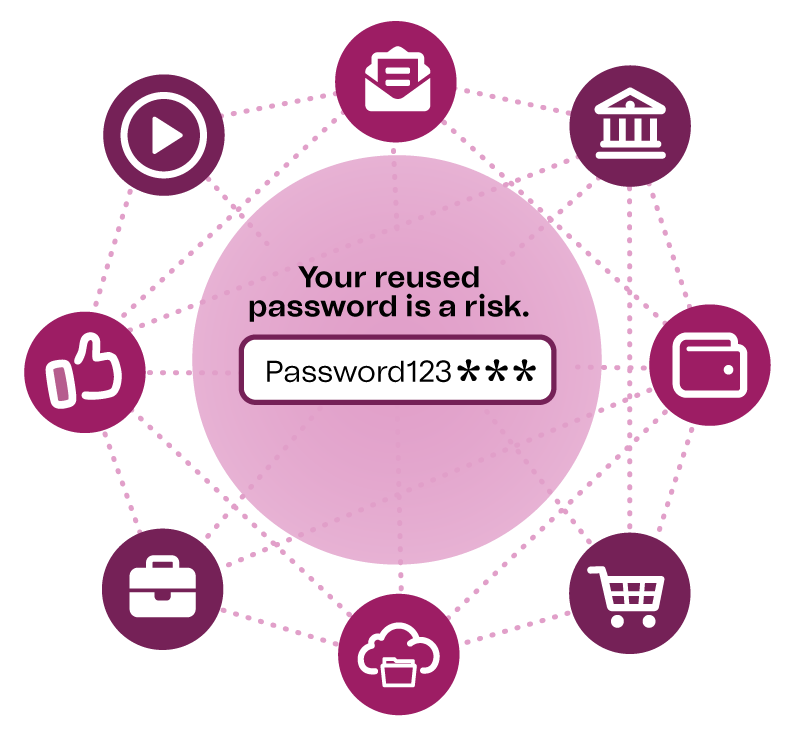
The risk isn't the old account itself. It's the information that may still be connected to it. If a site gets breached, whatever information you left behind could be exposed. And if an old password happens to be one you're still using somewhere else, the damage doesn't stay contained to the account that got hacked. Attackers count on password reuse — once they have one working password, testing it against your email, your bank, or your other accounts is the next obvious step.
Tracking down old accounts.
Search your inbox.
Look for phrases like "welcome to," "verify your email," "your receipt," or "reset your password" — these can help surface accounts you'd completely forgotten existed.
Scan your password manager.
If you use one, most let you sort by how long it's been since you last logged in, which makes the stale entries easy to spot.
Check the apps on your phone.
A quick scroll through what's installed could turn up accounts tied to services you no longer use.
Review what's connected through "Sign in with Google/Apple/Facebook."
Not every old account has a separate password — some were created through a social login instead, which makes them easier to forget. Most social platforms have a settings page listing every third-party site or app connected this way, and it's worth a look.
Check whether an old email address has appeared in a known breach.
A site like Have I Been Pwned lets you enter an email address and see if it has appeared in a known data breach. It takes under a minute and could help you identify accounts that may need your attention.
Once you've found those old accounts.
Delete what you don't use.
Log in and close or deactivate the account if that's an option. If it isn't, change the password to something long and unique, then remove any personal information saved to the profile — name, address, payment info.
Give the accounts you keep unique passwords.
A password manager makes this manageable, and most will flag it automatically if the same password turns up in more than one place.
Turn on multi-factor authentication wherever it's offered.
This matters most for email, banking, and social accounts — it adds a layer of protection that holds even if a password gets exposed later.
Be more selective about new sign-ups going forward.
For a one-time purchase or a site you likely won't return to, consider using guest checkout instead of creating another login. If a login is unavoidable, using a secondary or junk email address instead of your primary one keeps a future breach on that site from reaching further into your main identity.
Follow up even after you've deleted an account.
Some companies keep a data record on file even after the account itself is gone, particularly if it once held payment or ID information. Checking the company's privacy policy or submitting a data deletion request is a reasonable second step for anything sensitive.

Save a date on your calendar to:
Review, Update, and Delete
old account logins.
Treat checking your old accounts like a regular habit. Once a year, take a few minutes to look through your unused accounts, update the ones you want to keep and delete the ones you don’t. A little cleanup now can go a long way toward keeping your personal information protected.
The information provided is for educational purposes only and doesn’t constitute financial, tax, legal, or accounting advice. It is to be considered as general information, not recommendations. Please consult with an attorney, financial or tax professional for guidance.
Subject to membership eligibility requirements. Loans subject to credit approval. Borrower must be a resident of Indiana or Michigan, and for home loans property must be in Indiana or Michigan. All credit union programs, rates, terms, and conditions may change without notice.